Mastering Serverless Deployment for Sample Python App 🚀

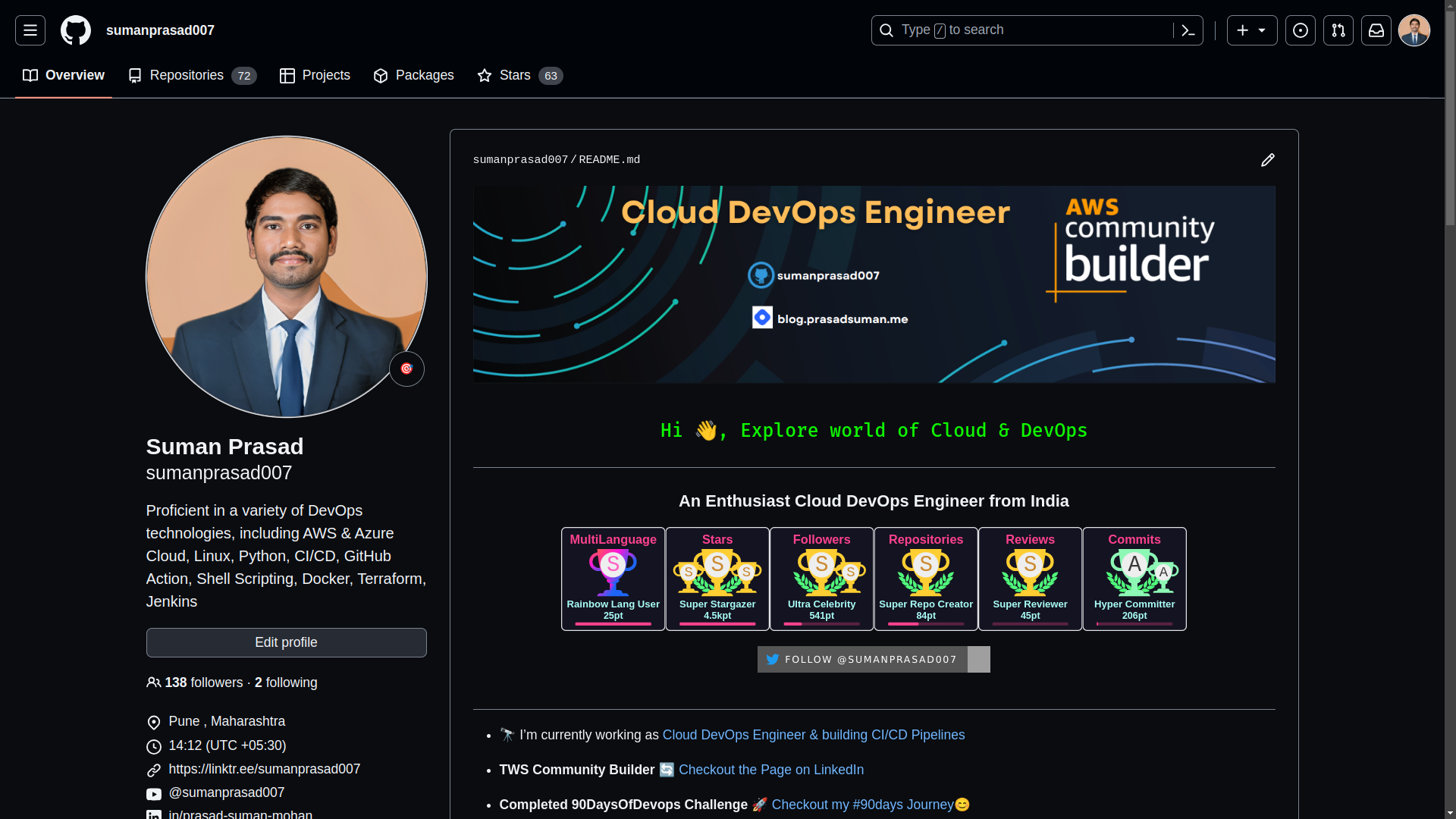
👋 Hello! I'm passionate about DevOps and have over 1+ years of experience in the field. I'm proficient in a variety of cutting-edge technologies and always motivated to expand my knowledge and skills. Let's connect and grow together!
SKILLS:
🔹 Languages & Runtimes: Python, Shell Scripting, HCL, YAML 🔹 Cloud Technologies: AWS, Microsoft Azure, GCP 🔹 Infrastructure Tools: Docker, Terraform, AWS CloudFormation 🔹 Other Tools: Linux, Git and GitHub Actions, Jenkins, Jira, GitLab (beginner), Docker, AWS DevOps 🔹 Web Development: HTML, CSS, Bootstrap, Python, SQL
Job & Responsibilities:
🚀 Improved development efficiency by implementing CI/CD pipelines, resulting in a 30% reduction in deployment time on the test server. 🔒 Strengthened deployment and testing reliability by utilizing Docker containers and optimizing Dockerfile, reducing development issues on the test server by 20%. ⚙️ Automated S3 bucket log creation with Shell scripting, eliminating 100% of manual search and saving 2 hours per week. 📅 Scheduled EC2 instance start/stop using Lambda functions and Event Bridge, leading to a 25% decrease in infrastructure costs. 🔧 Utilized AWS, Linux, Python, Docker, Shell scripting, Terraform, Jenkins Pipelines, and automation to streamline workflows and improve overall system performance.
I'm very detail-oriented and possess strong written and verbal communication skills. As a high performer with a possibility mindset, I strive to solve problems using efficient approaches.
Let's Connect & Grow:
If you find my profile suitable for the role you are searching for, please feel free to reach out to me at sumanprasad9766@gmail.com.
Introduction
Serverless computing has revolutionized the way we build and deploy applications. It offers a scalable, cost-effective, and hassle-free way to run code in the cloud without worrying about managing servers. In this blog post, we'll explore the process of deploying a serverless application, testing endpoints, checking logs, and ultimately destroying the application when it's no longer needed. 🌐
Serverless Deploy
Deploying a serverless application is an exciting journey. Here's how to do it:
🛠️ Serverless Framework: We'll use the Serverless Framework, a popular choice for simplifying serverless deployment.
Install the Serverless Framework:
Make sure you have Node.js installed on your machine.
Install Serverless Framework globally using npm:
npm install -g serverless.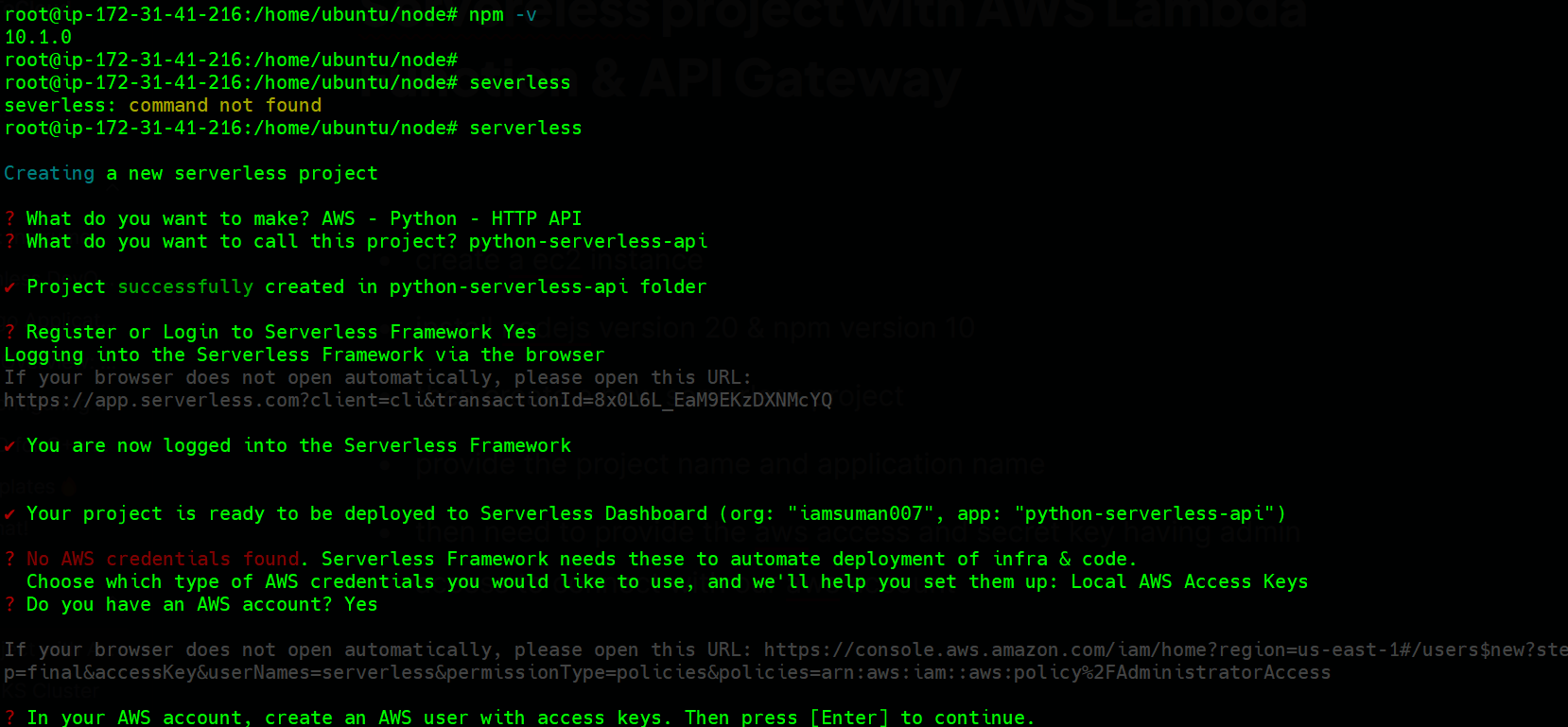
Set Up Your Project:
Create a new directory for your project and navigate to it.
Run
serverless createto create a new service with a predefined template.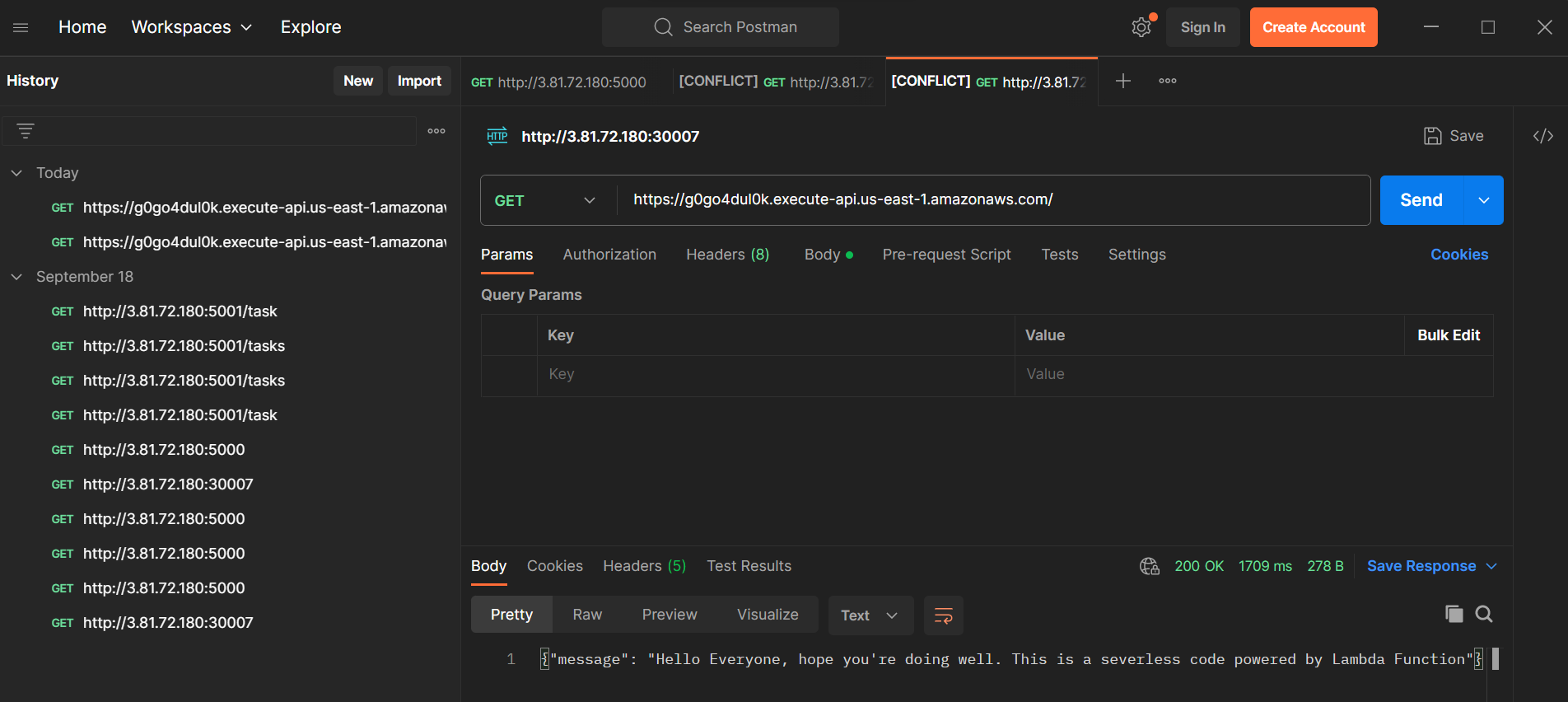
Write Your Code:
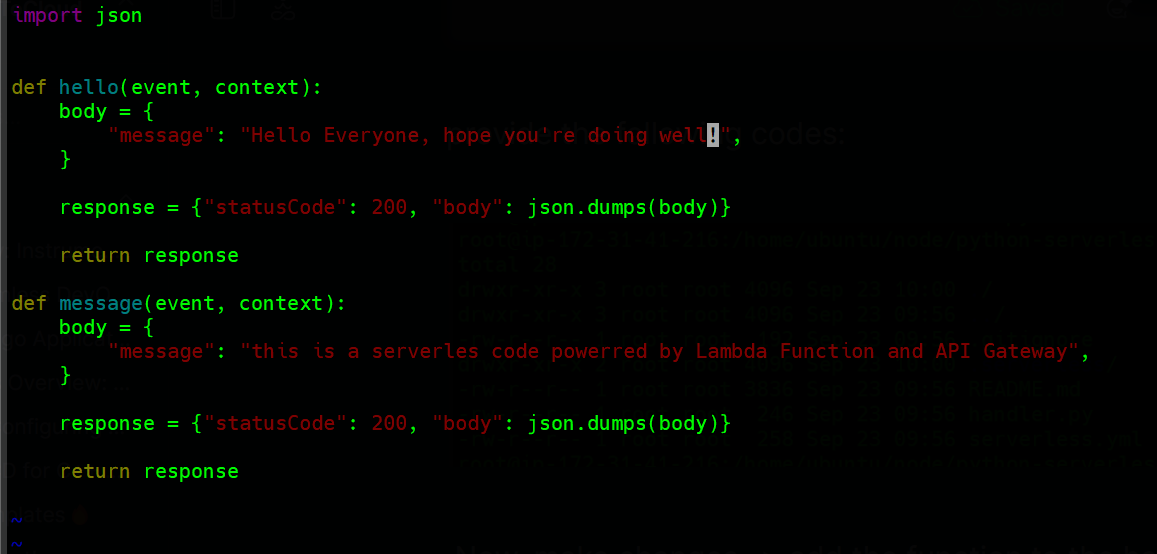
- Develop your serverless application code. For this example, we'll create an endpoint called '/message'.
Let's Test Our New Endpoint '/message'
Testing your endpoints is crucial to ensure everything works as expected. Here's how you can do it:
🧪 Testing:
Invoke the Function Locally:
Use the
serverless invoke localcommand to test your function locally before deploying.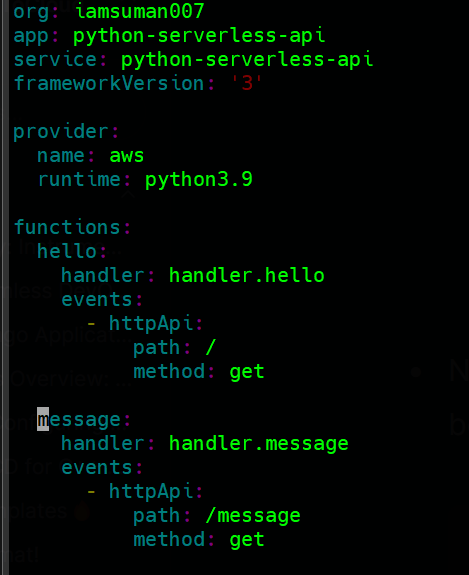
Deploy the Application:
Run
serverless deployto deploy your application to the cloud.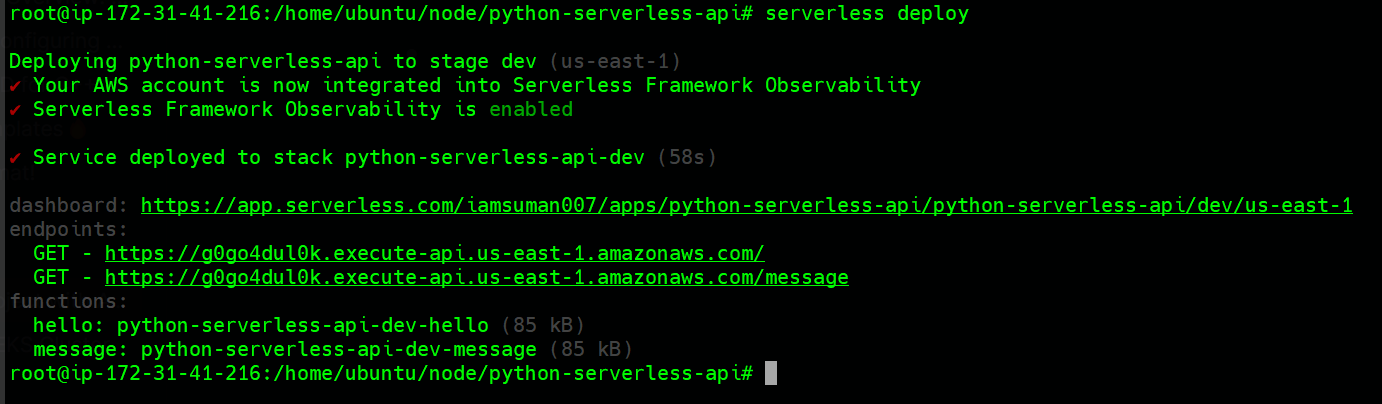
Test the Endpoint:
After deployment, you can test your endpoint using tools like Postman or
curl.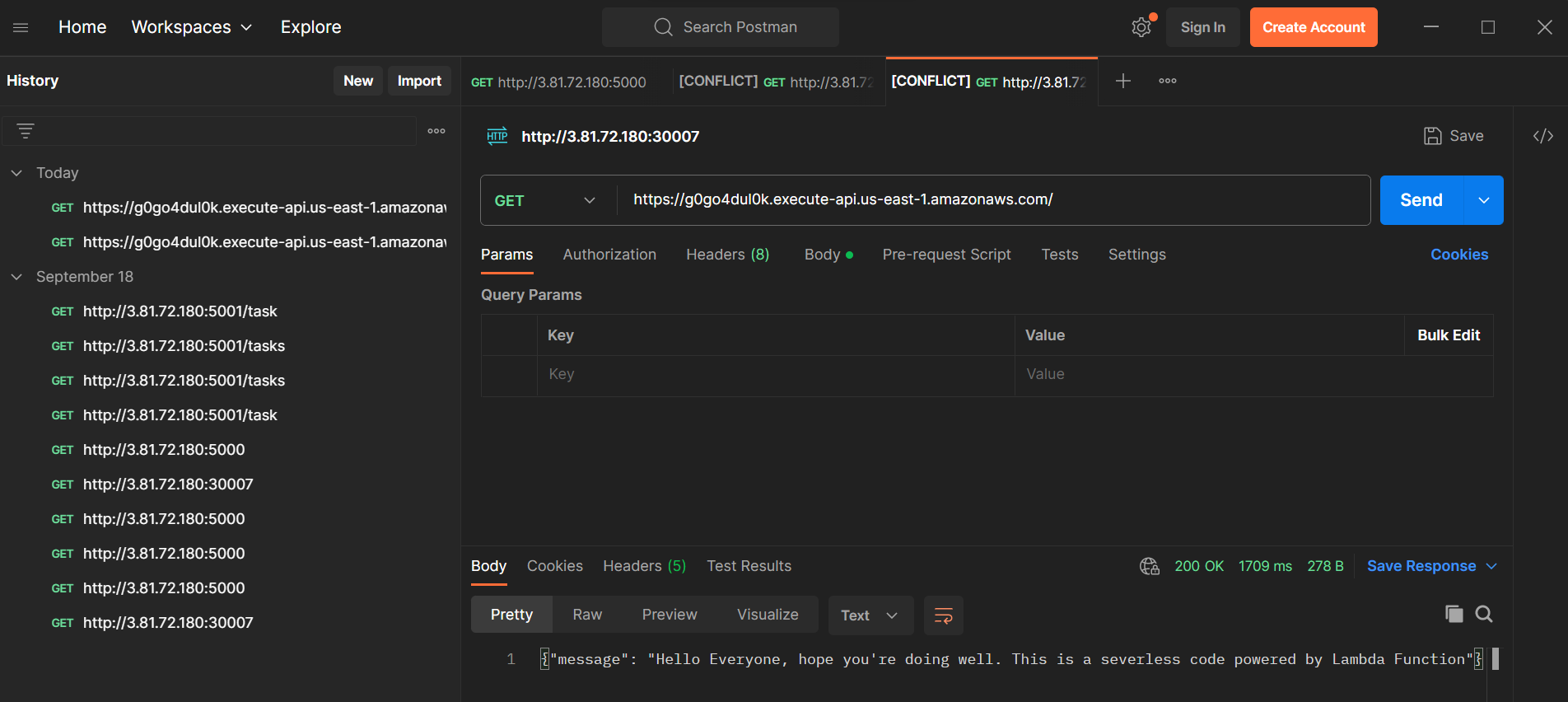
Checking Logs for This Endpoint
Monitoring and debugging are essential in any application. Let's learn how to check logs:
📋 Logging:
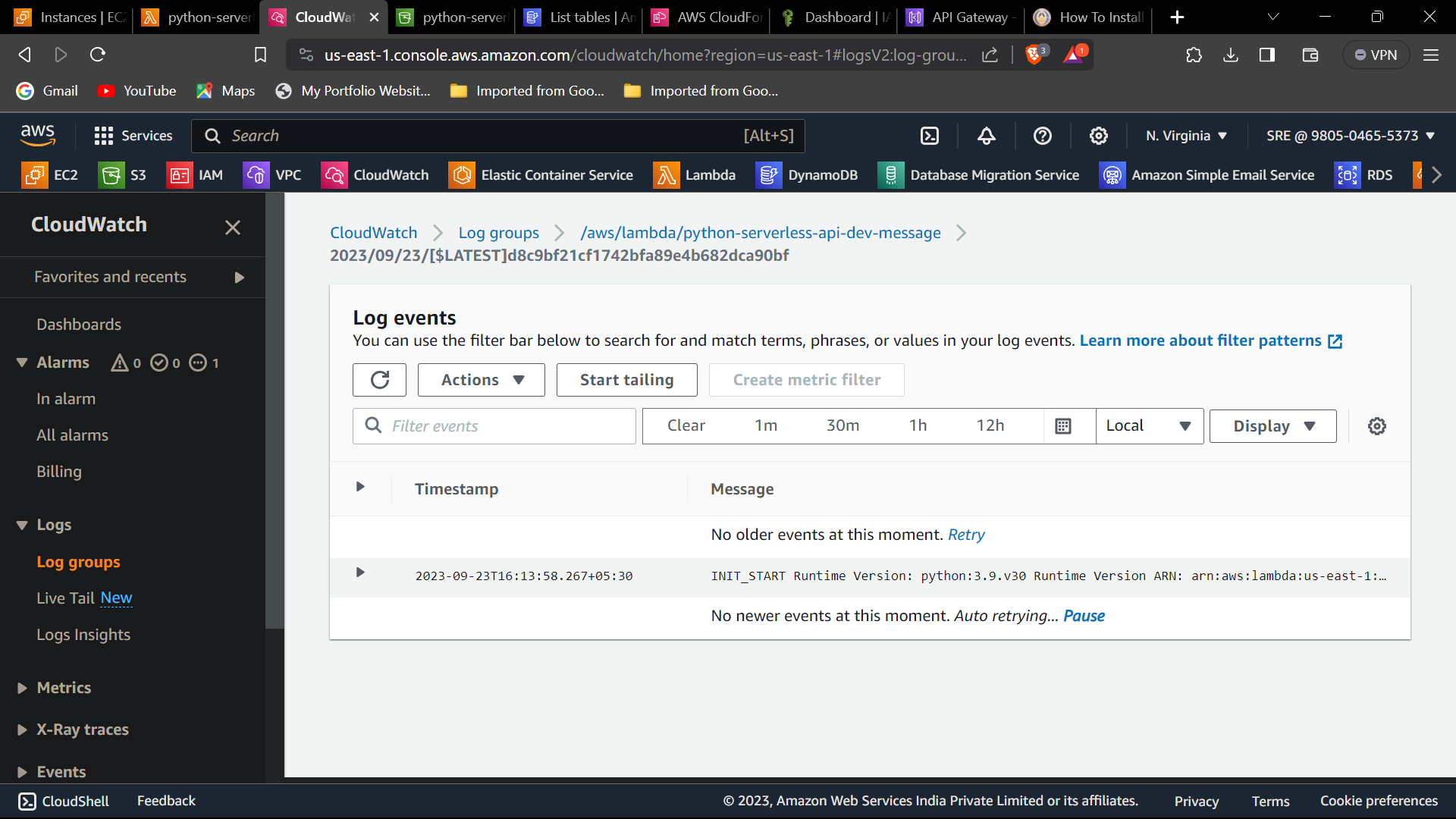
View Logs in Real-time:
- Use the
serverless logs -f functionName -tcommand to view real-time logs for your function.
- Use the
Retrieve Historical Logs:
- To fetch historical logs, use
serverless logs -f functionName.
- To fetch historical logs, use
Destroying the Serverless Application with a Single Command
When your application is no longer needed, it's essential to clean up resources to avoid unnecessary costs:
🔥 Cleanup:

Remove the Application:
- Simply run
serverless removeto destroy your serverless application.
- Simply run
Confirm Deletion:
- Confirm the deletion of resources, and Serverless Framework will tear down your entire application stack.
Let's Verify Our Application Has Terminated or Not
Ensuring that your application has been successfully terminated is the final step:
🔍 Verification:
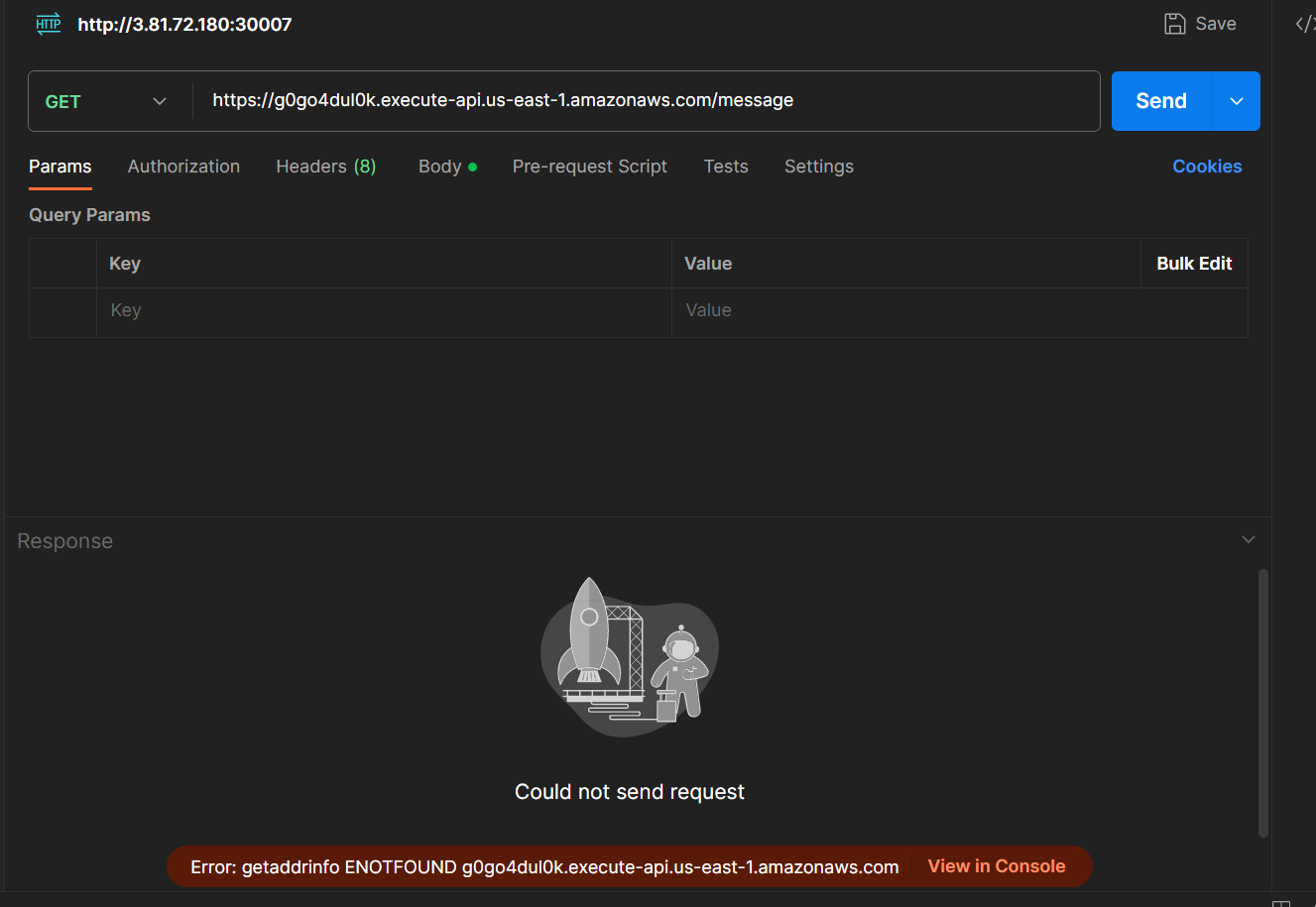
Check AWS Console:
- Log in to your cloud provider's console (e.g., AWS) and verify that no resources related to your serverless application remain.
Use Serverless Dashboard:
- If you're using Serverless Framework Pro, you can check the dashboard for the status of your application.
Conclusion
Deploying serverless applications has become more accessible and efficient with tools like Serverless Framework. Testing endpoints, monitoring logs, and cleaning up resources are essential steps in managing serverless applications. By following the steps outlined in this guide, you can confidently deploy, test, and terminate your serverless applications with ease. 🌟
Embrace the serverless revolution and unlock the power of scalable, cost-effective, and hassle-free cloud computing! 🚀🔥
Happy Serverlessing! 💻👨💻👩💻
🔍 Checkout GitHub Repository for projects: